Find time together
Month, week, and agenda views bring household plans and due chores into one place.
YOUR PEOPLE. YOUR PLACE.
The birthday song. The wedding-day happy tears. The little stories that become family history. Keep your people close, wherever life takes you.
A quieter place for your people.
Family dinner · 6:00 PM
A favorite book.
A new family tradition.
Something made with love.
LESS TO JUGGLE. MORE TO SHARE.
Month, week, and agenda views bring household plans and due chores into one place.
Assign responsibilities, set priorities, and make repeating chores part of a simple routine.
The subscription owner chooses household access and who can help manage the details.
Thoughtful household controlsA LITTLE MORE IN ONE PLACE
These fictional screens show Nearstead's calendar and contacts. Review selected Google and Microsoft 365 contacts and calendar events before bringing them into Nearstead.
See household plans in a month, week or agenda view, with explicit audiences for each event.
Keep contacts private or choose which details to share. Review a downloaded contact before importing it into your address book.
Fictional family and contact details.
GIVING THAT FEELS PERSONAL
Hanukkah, Christmas, birthdays, or a day that is simply yours. Build an occasion wishlist, add shopping links, and share with your household.
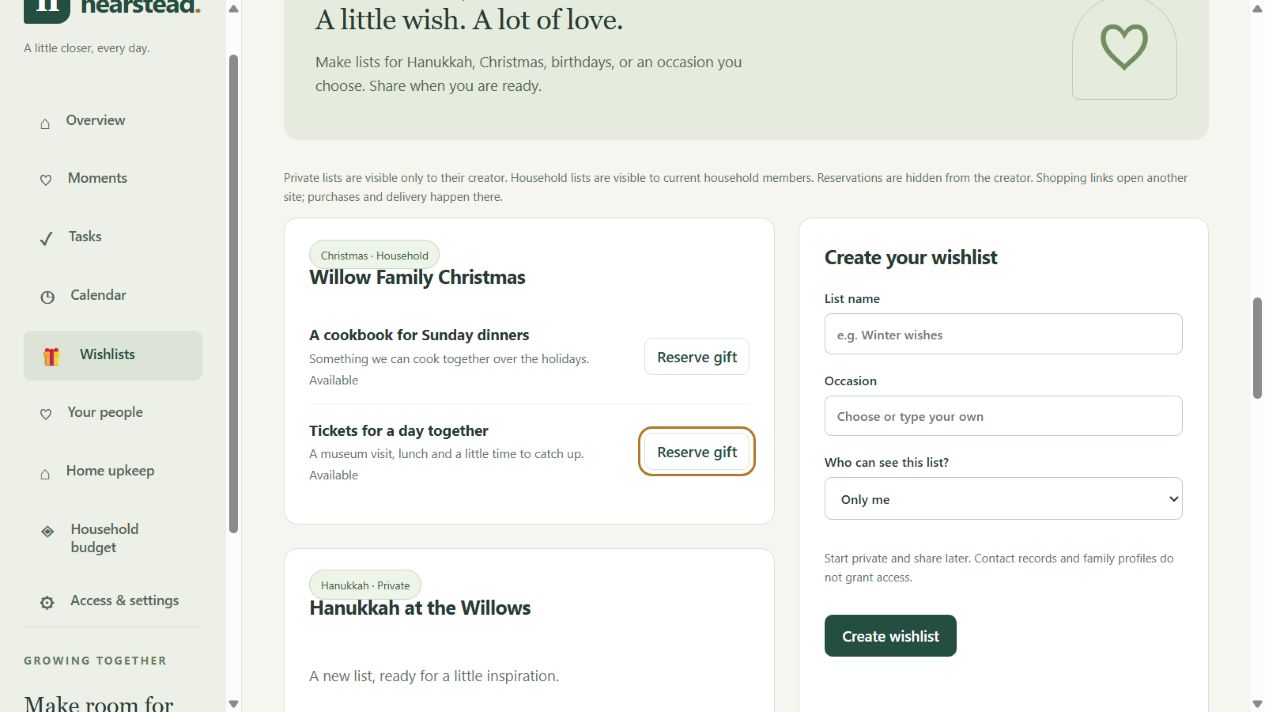
Gift reservations help avoid duplicates and stay hidden from the list creator.
Open Nearstead ↗Choose your occasion.
Keep the meaning yours.
CAPTURE ONCE. KEEP YOUR PEOPLE CLOSE.
Less noise. More connection. A photo, a short video, a few words from someone you love. Make room for family without the distractions of a public social feed.
Start with a photo or video and an optional caption. Choose Only me or household members granted access. Add a milestone when it matters.
Preview your content and choose an app through your device’s sharing menu, or download media and copy the caption. Available destinations vary by device and app; phone sharing is still being verified.
External copies follow the destination’s audience settings.
Choose optional Google Drive or personal OneDrive storage for new Moment and event-album photos and videos. View connected media through Nearstead and follow links back to the cloud copy. Existing originals stay in place; connecting a drive does not move your library or open your root folder to the household.
A MINUTE WITH YOUR PEOPLE
Three fictional family stories. Take them at your own pace.
1 · THE BIRTHDAY
Post a short video and choose your audience. A few seconds of laughter can make someone feel right there with you.
“We saved the loudest happy birthday for you.”
2 · THE HOLIDAY
Willow Family Christmas brings thoughtful wishes into one place. Reserve a gift so the family can plan together while the surprise stays with the giver.
“The cookbook is lovely. The Sunday dinners together are the real gift.”
3 · THE WEDDING
An event album gives photos, short videos and family replies a home together. Viewing follows current event access.
“Your first dance. Our favorite memory.”
Illustrative stories, not customer testimonials.
START WITH YOUR PEOPLE
Make a home base for your people, plans and traditions.
Choose who joins and what they can access. Separate households stay separate unless their owners approve a connection.
A birthday wish. A photo from today. Something small that makes someone smile.
CLOSER DOESN’T MEAN EVERYTHING IS SHARED
Keep a Moment just for you, or share with people granted access. Event albums follow the event’s audience. A name in your contacts does not grant access.
Both owners approve a family connection. That connection does not automatically open private posts, contacts or budgets.
Your personal budget is separate from the household budget. Another adult, including the household owner, cannot view it through Nearstead.
Downloaded and externally shared copies cannot be recalled by withdrawing Nearstead access.
CLOSE TO HOME. CONNECTED BEYOND IT.
Both household owners approve a lasting connection. Choose which Moments and events to share. Connecting families never automatically opens private posts, contacts or budgets.
Invite guests into a dedicated event space to RSVP and view its Moments. Hosts choose seven, fourteen or thirty days of access after the event, and whether guests may save private keepsakes.
Add Nearstead to your phone’s Home Screen. Optional shared-Moment notifications include quiet hours and generic lock-screen text. Notification delivery depends on your device and browser; device validation continues.
School, sports-team, church and club spaces are on our roadmap.
A LITTLE LESS TO REMEMBER
Review suggested upkeep for your dwelling and equipment. Assign responsibilities, set flexible repeats and snooze a routine when life gets busy.
Review receipt-photo or PDF extraction, record taxes, fees and tips, and export your budget records. Extracted fields require your review; this is not tax advice or a connected banking service.
Customer-controlled document storage and reviewed QuickBooks export are on the roadmap. No financial account connection or automatic sync is active.
FROM THE PLAN TO THE MEMORIES
Open an event to see its location, preparation notes and attendance responses. Tap an address for Apple Maps or Google Maps. Download a calendar snapshot to add it to another calendar.
Give a calendar event its own album for photos, videos and stories. Current event access controls viewing, and members with Moments permission can contribute. Album posts stay separate from the general Moments feed. Add replies and reactions within the event audience.
Keep a personal monthly spending plan alongside the household budget. Record income and purchases, review category totals and export a personal CSV. Other members, including the household owner, cannot view another adult's personal budget through Nearstead.
Personal and household views have separate month and currency filters. No connected bank accounts, payments or currency conversion.
YOUR ACCOUNTS. YOUR CHOICES.
Use Nearstead at mynearstead.com from Android, iPhone or your computer. Connect your own accounts and choose what belongs in your private Nearstead space.
Search your Google contacts and separately review Google Other contacts. Choose only the people and fields you want to import. Unselected contacts stay out, and new contacts are not added automatically.
Connect your Microsoft account and review selected contacts and calendar events before importing private copies. Supported Google and Microsoft calendars include all-day events and repeating schedules. Review dates and edit a Nearstead occurrence or series.
iCloud connection and selected-contact/calendar import controls are available for invited adults using an Apple app-specific password. Real iCloud account and iPhone acceptance testing is still pending; availability depends on supported account and calendar formats.
Optional automatic storage for new Moment and event-album photos and videos is implemented for Google Drive and personal OneDrive. Choose the destination in Settings. Existing posts and originals stay in place; connecting a drive does not transfer your library or change its sharing. File-size and supported-format limits apply, and a connection may need renewal.
Choose selected private contacts or calendar events and the fields to synchronize with Google or Microsoft 365 / Outlook. Review each selection before enabling two-way sync, then check or pause it in Settings. New and unselected records stay out. This is selected-record sync, not a mirror of your whole account. iCloud remains import-only; ongoing iCloud sync is not enabled.
Android Share to Nearstead prepares a photo draft for you to review and post. Posting defaults keep your chosen audience visible. Native iPhone sharing is being prepared; you can use the website on iPhone now.
Provider consent is required for connected accounts. Organizations may restrict Microsoft access. Each connection is personal and does not automatically share contacts, events or files. Permission changes, expired safety checks or a record that needs review can stop updates. Provider expiry or revocation may require reconnection. Drive sharing and device playback rules still apply. Work/school OneDrive support is not part of this release.
LESS SETUP. MORE CONTROL.
Everyday sync controls now sit together in Settings. An approved ongoing selection continues until you pause it or disconnect, while permission and safety checks remain in force. You can see when a selection needs review.
Advanced holds selection setup, test-copy and comparison tools. Loading Settings does not enable another selection or change an active approval. Sharing with family stays a separate choice.
Selected event details can stay connected to Google or Outlook, while the event album keeps its own photos, videos, replies and reactions. Calendar sync does not copy an entire photo library or grant access to household records.
Ongoing approval is not a promise of uninterrupted updates: conflicts, changed selections, disconnected accounts and expired safety evidence still require review. Nothing is deleted or broadly shared by choosing a connection.
A LOOK INSIDE NEARSTEAD
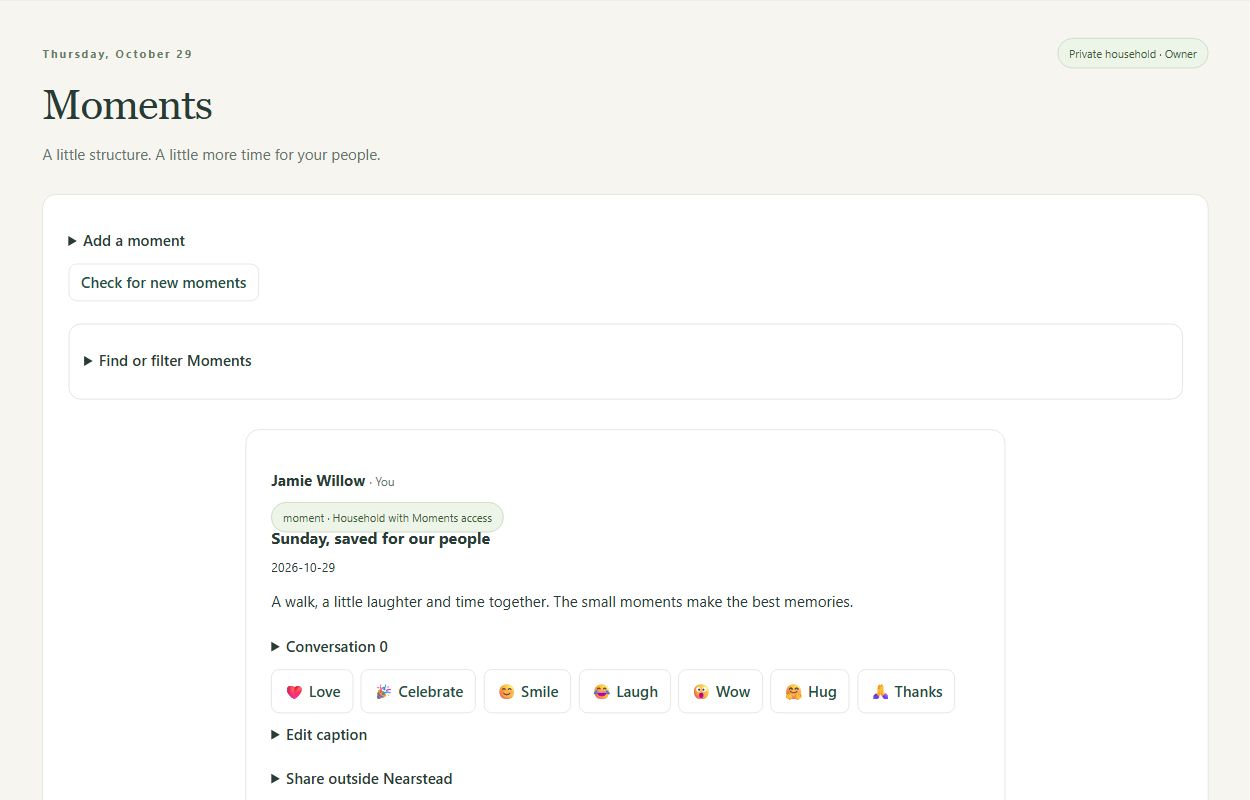
See how Nearstead brings plans, wishes and everyday moments together. Screens use fictional households.
TAKE A CLOSER LOOK
Explore a feature without signing in. All examples use fictional content.
A LITTLE SOMETHING, JUST FOR THEM
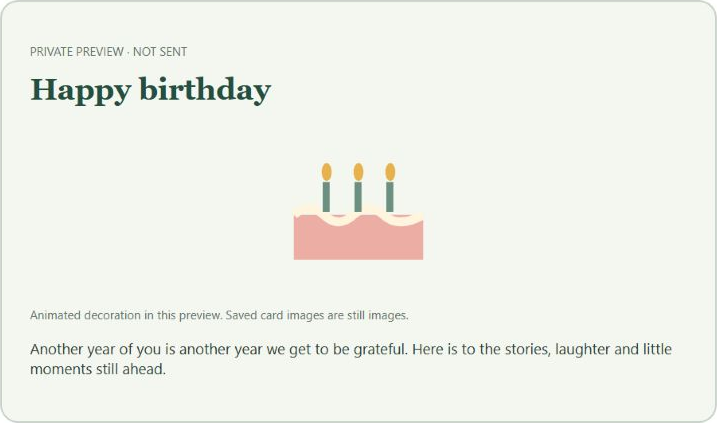
Choose a birthday, thank-you or celebration card, make the message yours and enjoy an original illustrated preview. Gentle preview animation respects reduced-motion settings. Save a still card image to share yourself; nothing is sent automatically.
YOUR HOUSEHOLD. YOUR WAY.
Hide features such as budgets or carpool coordination from your own view. Bring them back when you need them; existing records and household permissions stay in place. Larger text and clear keyboard focus help make the everyday more comfortable.
Choose which contact details to share and preview what another member can see. Review selected contacts or events before downloading an address-book or calendar copy.
Later changes or withdrawn access cannot recall downloaded copies on another device.
Request a ride for an event, volunteer to help and confirm the arrangement. Changed ride details need fresh confirmation. Event access controls the coordination board.
Adults confirm identities and safety arrangements directly. Nearstead does not verify drivers.
A LITTLE INSPIRATION
Explore ten original guides for gift exchanges, meaningful presents, family gatherings and private shared memories.
Explore family guides →ROOM TO GROW
Private household and extended-family exchanges, plus event guests, with owner controls and thoughtful wishes. Public access is still in development.
Share a photo, video or quick caption. Keep a moment private or share with household members granted access by the owner. Milestones, reactions and private-audience conversations are part of the experience.
Giving Nearstead itself as a gift is an idea we are exploring. Gift memberships, purchase and redemption are not available. Holiday Wishlists are part of the coming experience.
YOUR PEOPLE BELONG HERE
The birthday song. The everyday plans. A little more time together. Follow Nearstead for product updates.
Planned family subscriptions: $15 USD monthly or $153 USD annually, plus applicable taxes. Checkout is not open. Final included features, billing and cancellation terms will be shown before purchase.
Already invited? Sign in to Nearstead. Join the interest list for access updates; joining does not create a paid subscription.
Join the Nearstead interest list. We’ll contact you when access is ready. Joining is free and does not create an account or subscription.
We store your email, optional interest, consent version and signup date for the access announcement. We remove unconverted signups 90 days after the access announcement. To request removal, contact business@oddens.com. Please do not submit children’s details or private family information.
A RESPECTFUL PLACE FOR YOUR PEOPLE
Nearstead is being built for respectful, private family connection. Harassment, threats, stalking, hateful abuse, exploitation, scams, spam and unauthorized access have no place here.
A LITTLE CLOSER, EVERY DAY.
A calmer home base for plans, meaningful gifts and the moments you share.
Stay connected